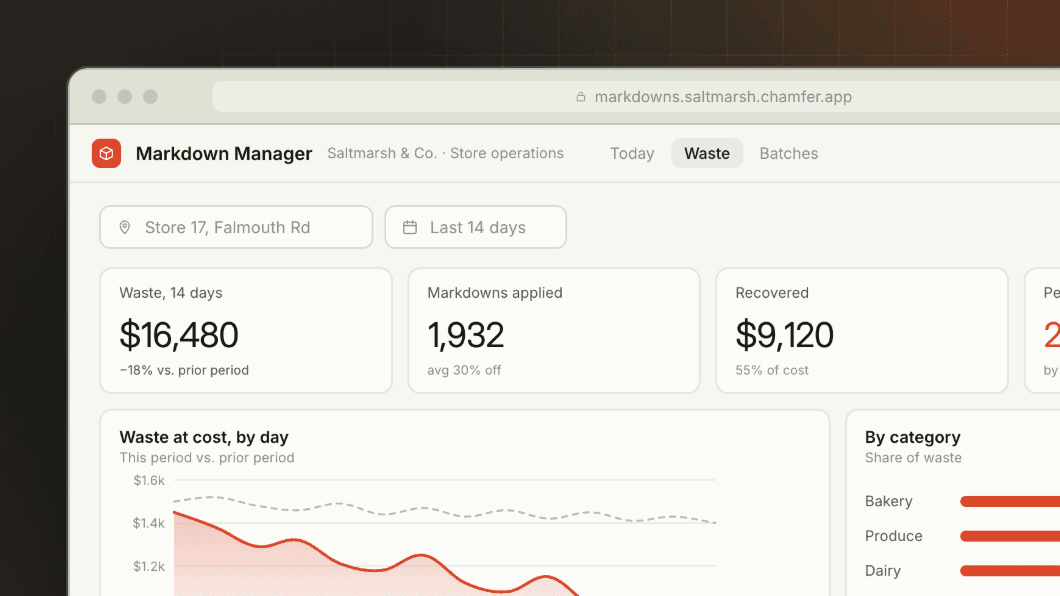
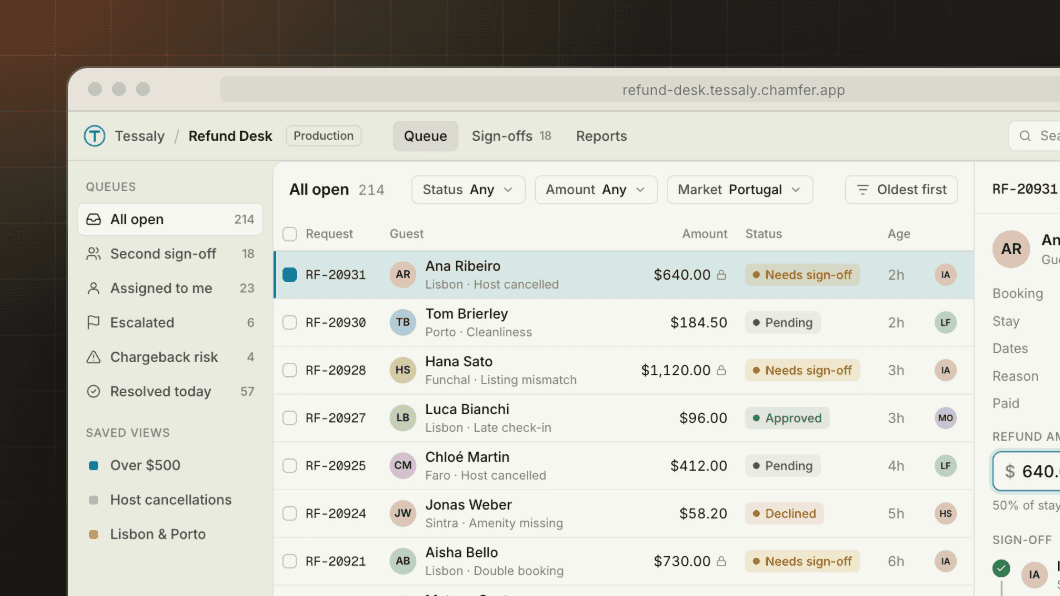
For Operations teams
AI that works your queues, inside your rules
Add a model step to any app, or give an Operator a queue to work: triage claims, draft replies, flag payouts. Each one reads only what its role allows, logs every step and hands anything outside its limits to a person.


Scoped like a new hire
An Operator acts on a named person's authority, limited to specific tables and actions. It can't see anything that person couldn't.
A person decides the rest
Anything outside the Operator's limits, or above a threshold you set, goes to a person for approval with the reasoning attached.
Every step on record
Prompts, tool calls, reads and writes are in the Logbook, and you can revoke an Operator's access in one click.
01 — In production
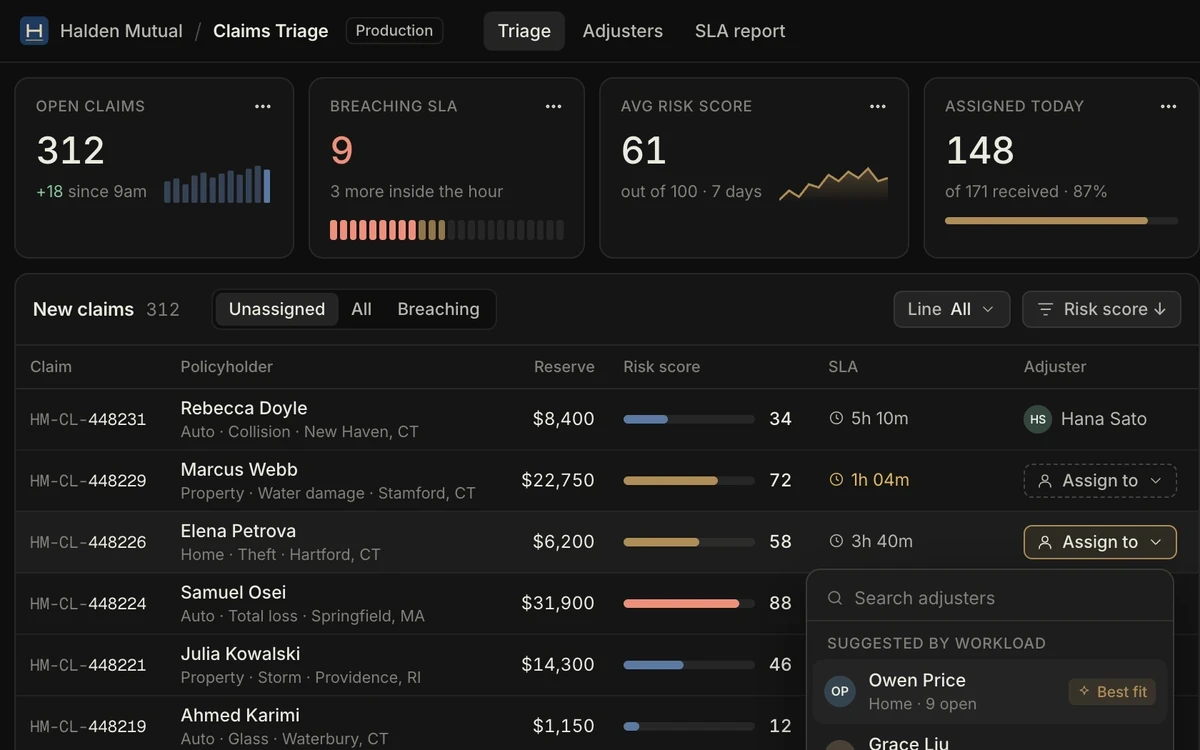
How Halden Mutual cut claims triage from 3 days to 4 hours
“Our auditor asked who could see claims data. We exported the answer from the Logbook before the meeting ended.”
Marit Solberg
Head of IT Risk, Halden Mutual
Read the story










02 — Example apps
Where teams put models to work first

03 — What it includes
What keeps an AI step accountable
Your models, your keys
Use Anthropic or OpenAI models on your own API keys, and switch models without rebuilding the app.
Permission-aware context
Prompts include only the rows and fields the user or Operator is allowed to see.
Fields models never see
Write "never send diagnoses to a model" once as a Spec, and every prompt in every app leaves them out.
Structured output
Model responses fill forms and tables in a set schema, ready for a person to check and accept.
Budgets and limits
Cap tokens, cost and actions per Operator per day, and stop it automatically at the limit.
Replay any run
Open any Operator run to see each step, the data it read and the change it proposed or made.


05 — FAQ
What teams ask about AI agents
What's the difference between an AI step and an Operator?
Which models can we use?
Can an Operator make changes on its own?
How do we keep sensitive data from a model?
How do we turn an Operator off?
Is every model call recorded?
06 — More use cases